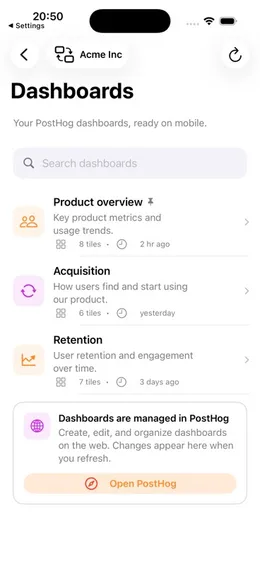
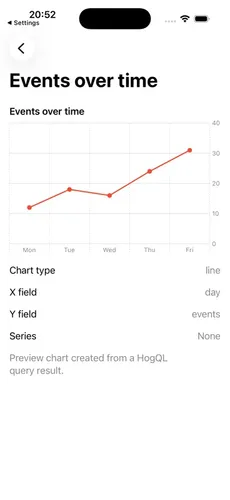
Your PostHog dashboard, built for iPhone.
Check dashboards, live activity, session replays, and HogQL from a native iOS app that talks directly to your PostHog host.
iPhone and iPad · iOS 17+ · US, EU, or self-hosted
Independent companion app. Not affiliated with PostHog, Inc.
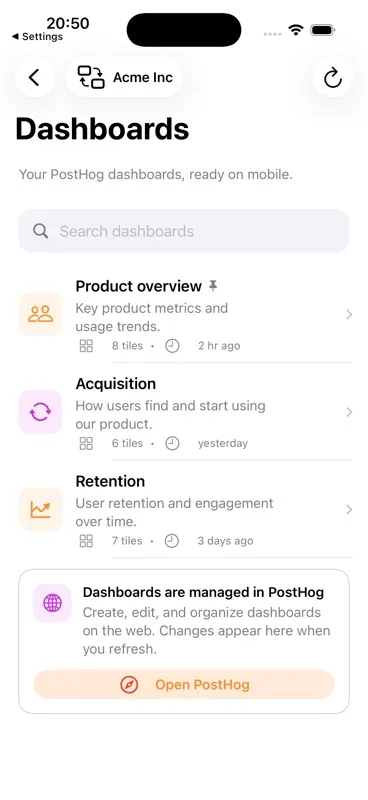
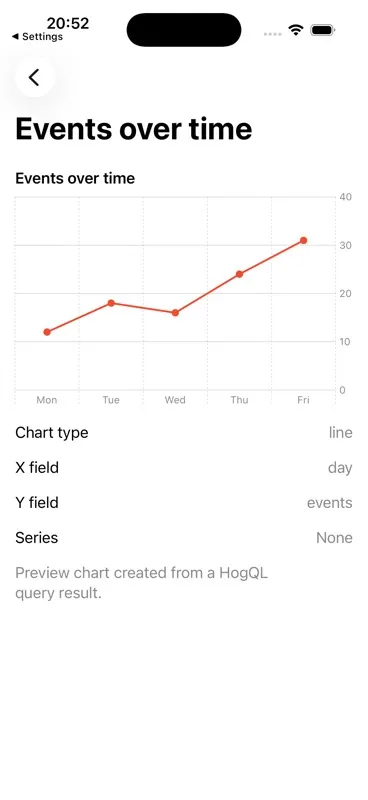
PostHog on iPhone, without another analytics pipeline.
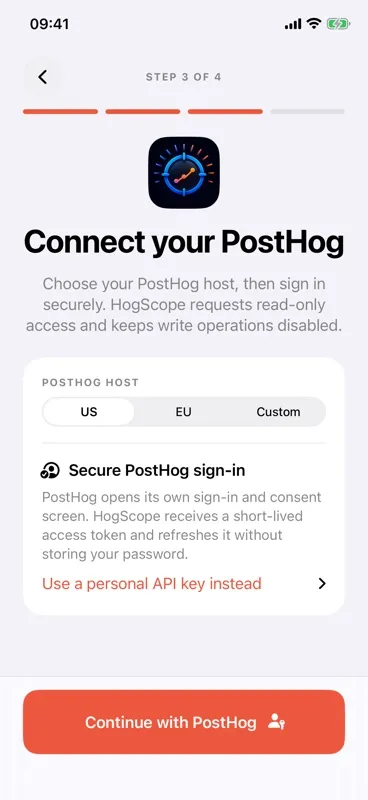
Sign in through PostHog OAuth. Short-lived tokens stay in iOS Keychain, and analytics requests go from your device to the PostHog host you select.
- Requires
- iOS 17+
- Devices
- iPhone & iPad
- Account
- No separate app account
- Hosts
- US, EU & custom
A useful glance, not a shrunk desktop.
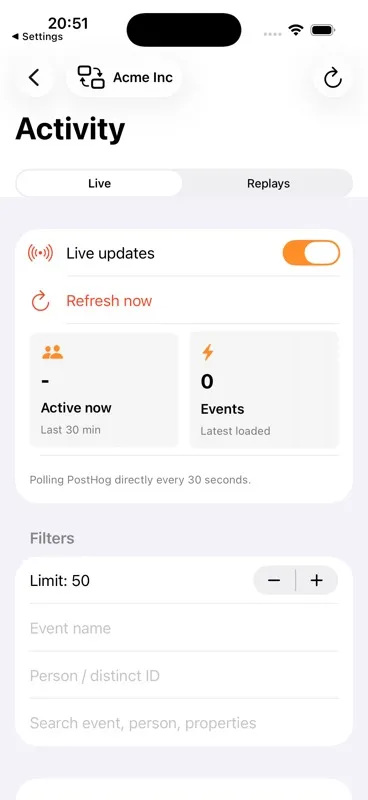
Each screen is designed around the checks that matter when you are away from your laptop.
From secure sign-in to useful signal in three steps.
- 01
Choose your host
Select US Cloud, EU Cloud, or your self-hosted PostHog URL.
- 02
Sign in with PostHog
PostHog handles login and consent. HogScope stores short-lived OAuth tokens in iOS Keychain, never your password.
- 03
Check what changed
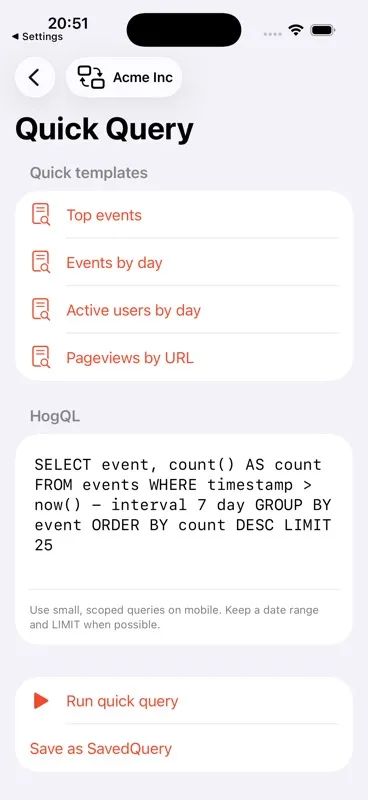
Open dashboards, live activity, saved insights, replays, or a scoped HogQL query.
Use PostHog better when you are away from your desk.
Practical, accurate guides for mobile checks—not thin keyword pages.
- 01 How to check PostHog analytics on iPhone A practical way to check PostHog dashboards, live activity, saved insights, and session replays from an iPhone without another data pipeline. Mobile workflow
/guides/posthog-analytics-iphone/ - 02 Add a PostHog activity widget to iPhone Configure a PostHog event count, time range, project, and best-effort refresh request for an iPhone Home Screen widget. Home Screen
/guides/posthog-activity-widget-iphone/ - 03 Run a HogQL query from your phone Run a small, time-bounded HogQL query on iPhone, inspect the table or JSON result, and save a local chart definition. HogQL
/guides/hogql-query-iphone/ - 04 View PostHog session replays on iPhone Find a PostHog recording by person, URL, or ID and play supported native or web replay snapshots locally on iPhone. Session replay
/guides/posthog-session-replays-iphone/ - 05 Connect a self-hosted PostHog instance on iOS Connect HogScope to an HTTPS self-hosted PostHog base URL with OAuth or a personal API key fallback, then diagnose host or proxy failures. Setup
/guides/self-hosted-posthog-ios/
Questions before you connect.
Straight answers about access, privacy, compatibility, and what the app can do.
Does HogScope send my analytics to its own server?
No. The app has no backend or proxy for analytics data. Requests go from your device to the PostHog host you select, while OAuth tokens or a personal API key are stored in iOS Keychain.
Learn more about local-only privacyWhat iOS version does the app require?
The current project targets iOS 17 or later and supports both iPhone and iPad device families.
Review compatibility detailsDoes it work with self-hosted PostHog?
Yes. Choose Custom and enter the HTTPS base URL for your PostHog instance. The phone must be able to reach and trust that host.
Learn how to connect self-hosted PostHogWhere are my PostHog credentials stored?
OAuth access and refresh tokens—or the optional personal API key fallback—stay in iOS Keychain with device-only accessibility. They are not written to UserDefaults, SQLite, logs, files, or screenshots.
See what the app stores locallyCan I run HogQL from my iPhone?
Yes. Quick Query includes focused templates and a HogQL editor. Queries are sent to the selected PostHog project, and results can be viewed as a table or raw JSON.
Learn how to run a scoped HogQL queryCan I watch PostHog session replays on iPhone?
The app can list and search recent recordings and locally render supported native screenshot frames or web rrweb snapshots. Some recordings may lack the visual data required for playback.
Learn how mobile replay worksKnow what changed before you reopen your laptop.
Keep PostHog dashboards, activity, replays, and scoped queries within reach on iPhone.